Skip to content

Wardogs server manager

Manage every Wardogs server from one app

A server manager and admin panel for Wardogs, built for Windows. See all your servers live, step into any match, change settings and keep one ban list across them all.

Windows 10/11 · 14-day free trial, no card needed

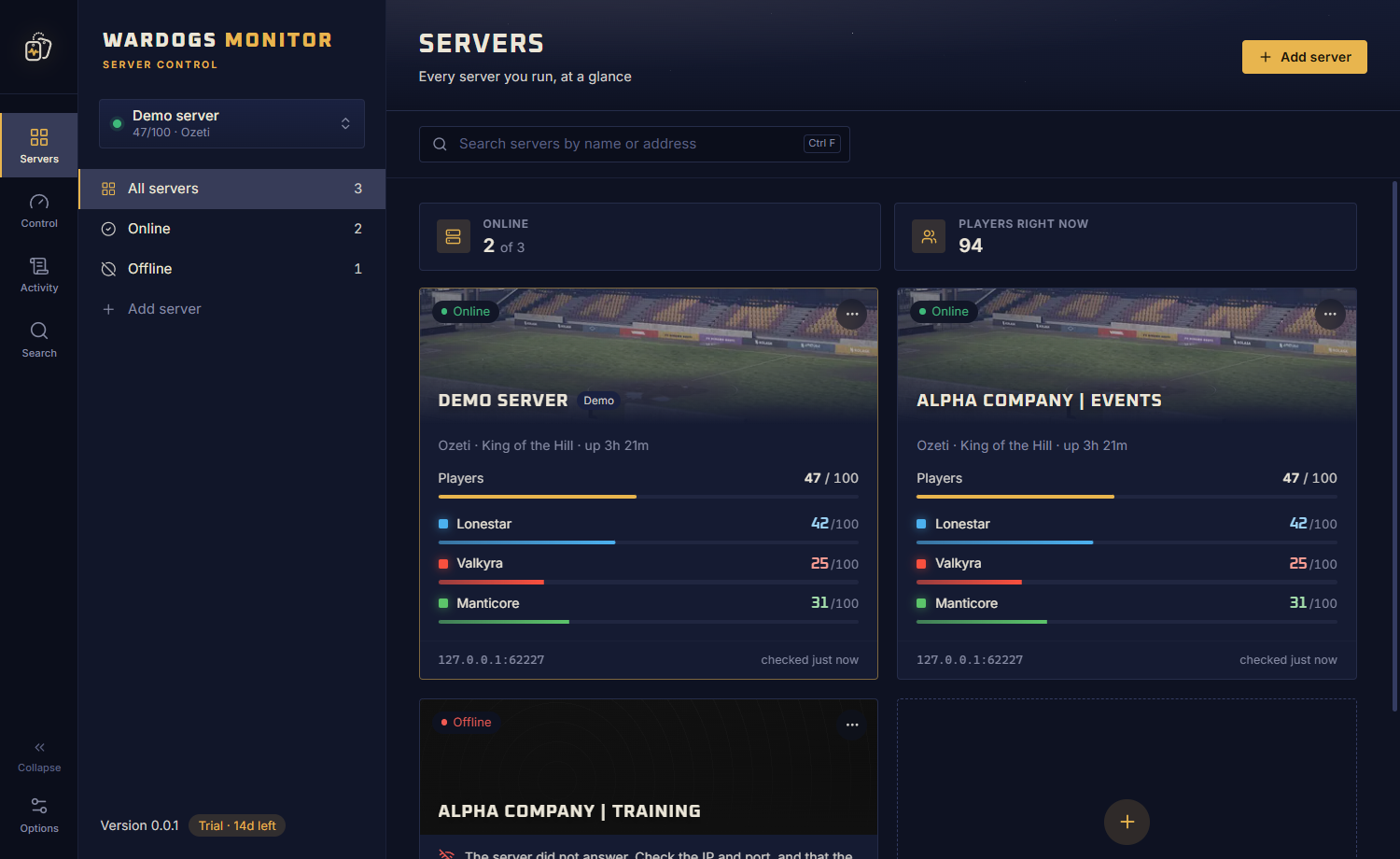
The Servers page of Wardogs Monitor: cards for each Wardogs server with status, players and the score race between Lonestar, Valkyra and Manticore.

Server management

Your whole Wardogs setup, on one screen

From one server to a whole community network: everything an admin needs, without logging in to a panel for each one.

Live overview

Every match, live

Open any server and see exactly how its match is going, then act on it right away.

  • Players, leading faction, map and uptime at a glance
  • The score race to 100 points between all three factions
  • Players over time, top players and recent activity
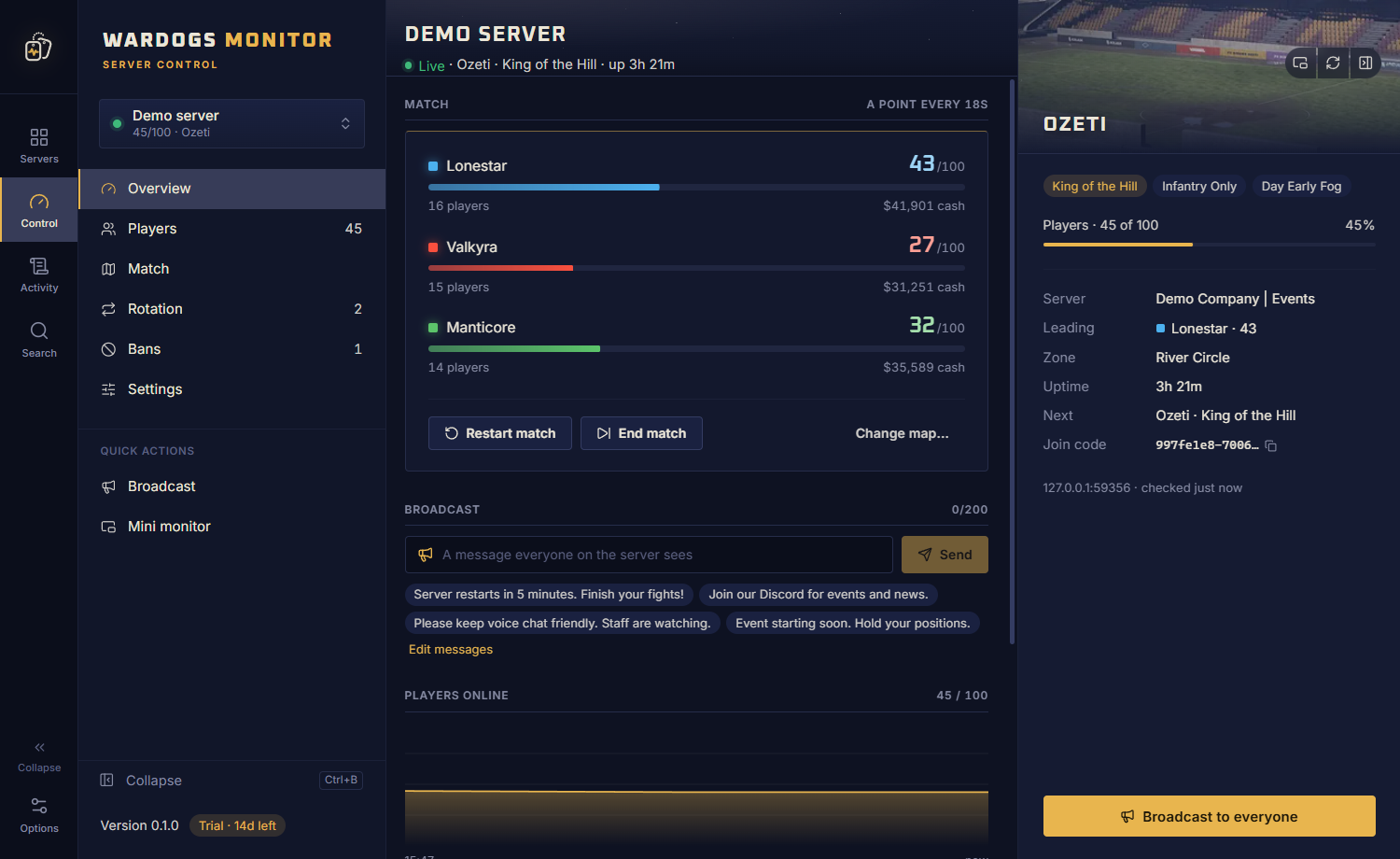
A Wardogs server's overview: players, the leading faction, the map and uptime, the score race, players over time, top players, recent activity and a broadcast box.

Rotation and settings

Maps, rotation and server settings

Shape how your server plays, and save settings straight into its config file.

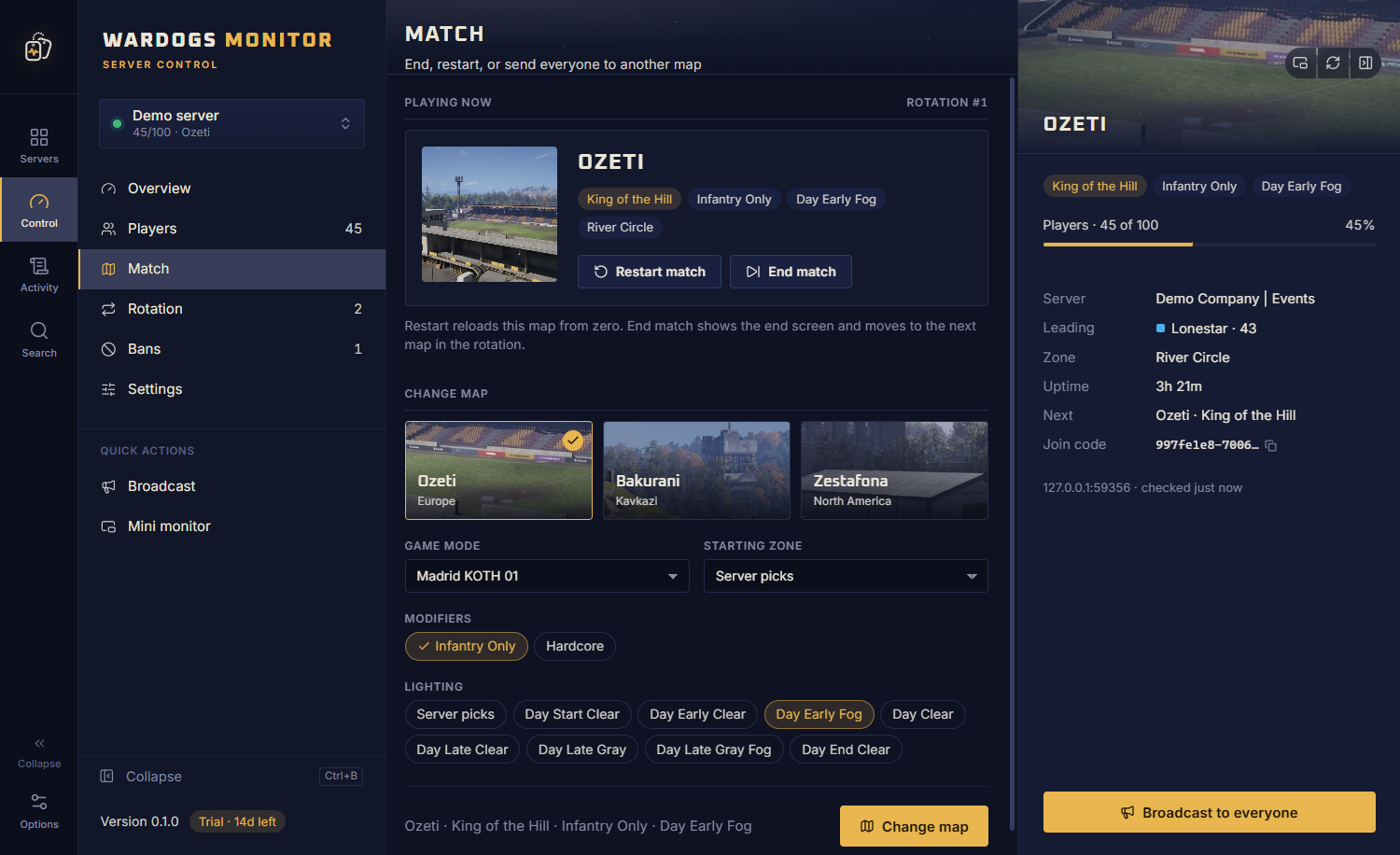
  • Change the map, mode, modifiers, lighting and zone
  • Build the map rotation with drag and drop
  • Edit slots, limits, team balance, name and banner
The match page of a Wardogs server with the map playing now and a picker for the next map, mode, modifiers, lighting and zone.

Widgets

Keep watch while you play

Park a few small windows on a second screen or over the game and never miss what happens on your servers.

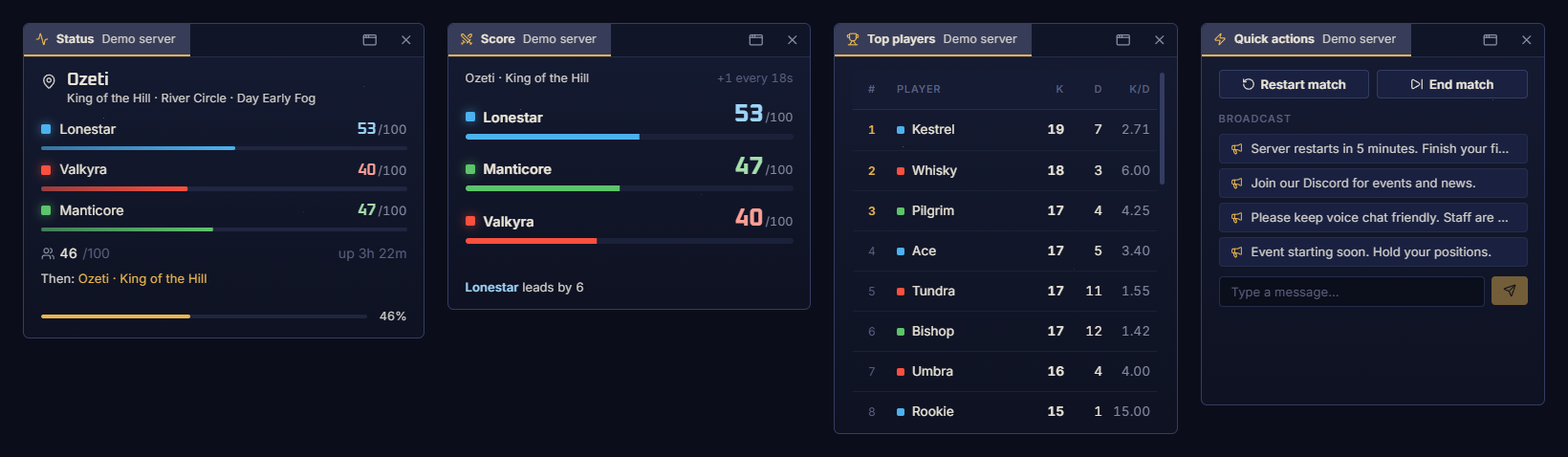
  • Status, score, top players and quick actions
  • As many widgets as you like, always on top
  • They reopen where you left them
Four always-on-top widgets: server status, the score race, top players and quick actions.

Everything included

Built for Wardogs server admins

  • Down alerts

    A Windows notification when a server goes down, and when it is back.

  • Shared ban lists

    Ban once and the ban reaches every linked server.

  • Watchlist

    Know the moment a watched player joins any server.

  • Activity log

    Every action taken from the app, per server and day.

  • Ctrl+K search

    Find any player, page or action across every server.

  • Demo server

    Try every button on a pretend match before going live.

FAQ

Server management, answered

How many Wardogs servers can I manage?

As many as you run. Every licence includes unlimited servers on up to 3 PCs, and the free trial has no server limit either.

Which server settings can I change?

The join password, reserved slots and reserved players, player slots, level and cash limits, team balance, the server name and the banner. Changes are saved into the server's config file.

Will I know when a server goes down?

Yes. Wardogs Monitor keeps checking your servers, even from the Windows tray, and shows a Windows notification when one goes down and when it comes back.

Can I keep an eye on a server while I play?

Yes. Widgets are small always-on-top windows for a server's status, the score race, the top players or quick actions. Open as many as you like and place them on a second screen or over the game.

Can I try it without touching my live server?

Yes. The app has a built-in demo server that plays a pretend match, so you can try every button safely first.

Try it on your own server

Download the free 14-day trial, add your server's RCON details, and see it live in a minute. No card needed.